Moderation and announcements
The queue, what approving and rejecting actually do, and the banner that appears on the public site without a deploy.
The queue
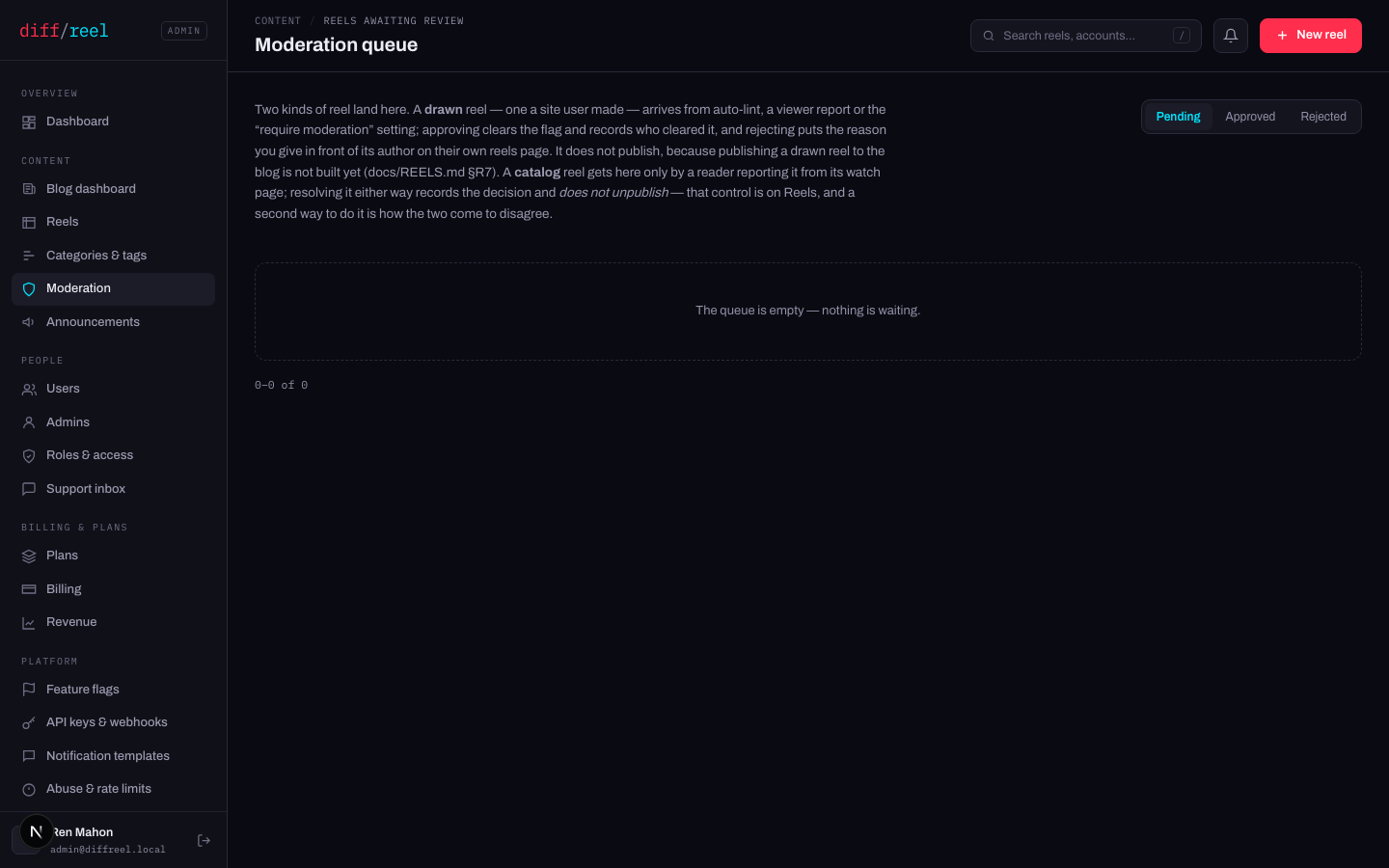
Two kinds of reel arrive here, and they behave differently:
| Kind | How it gets here | What resolving does |
|---|---|---|
| A drawn reel | A site user saved it and either the auto-lint flagged it, a viewer reported it, or “require moderation” is on. | Approving clears the flag and records who cleared it. Rejecting puts your reason in front of its author on their own reels page. |
| A catalog reel | A reader reported it from its watch page. | Either decision is recorded. Neither publishes nor unpublishes anything. |
- What changes
- The flag is cleared and the decision is recorded against you.
- Who sees it
- The author, if it was their reel being held — the hold disappears from their reels page and the editor.
- When to do it
- You have looked at the reel and it is fine.
- How to undo it
- Nothing to undo — the reel was never taken away from anybody. It can be flagged again.
- What changes
- The reason you type is shown to the author, on their own reels page and in the editor.
- Who sees it
- That author. Nothing is shown to anyone else, and the reel is not deleted.
- When to do it
- The reel breaks a rule you can name. Name it — the author reads this sentence.
- How to undo it
- Approve it instead; the refusal disappears. Write the reason as if it will be quoted back to you, because it will.
Publishing a drawn reel to the blog does not exist. Unpublishing a catalog reel is a control on Reels, and it stays there — a second way to do it is how the two come to disagree. If a report about a catalog reel is serious, unpublish it there, then resolve the flag here.
Holding every reel for review
- What changes
- Every reel a site user saves from now on enters this queue. It is still their reel and they can still edit and download it; the flag holds it back from the catalog, which is a path that does not exist yet anyway.
- Who sees it
- Every author — their reels page shows the hold. And you: the queue badge starts counting.
- When to do it
- An abuse wave, or a launch you want eyes on. It is a firehose otherwise — every save from every account.
- How to undo it
- Turn it off on Settings. Reels already in the queue stay in it; clear them or leave them.
Announcements
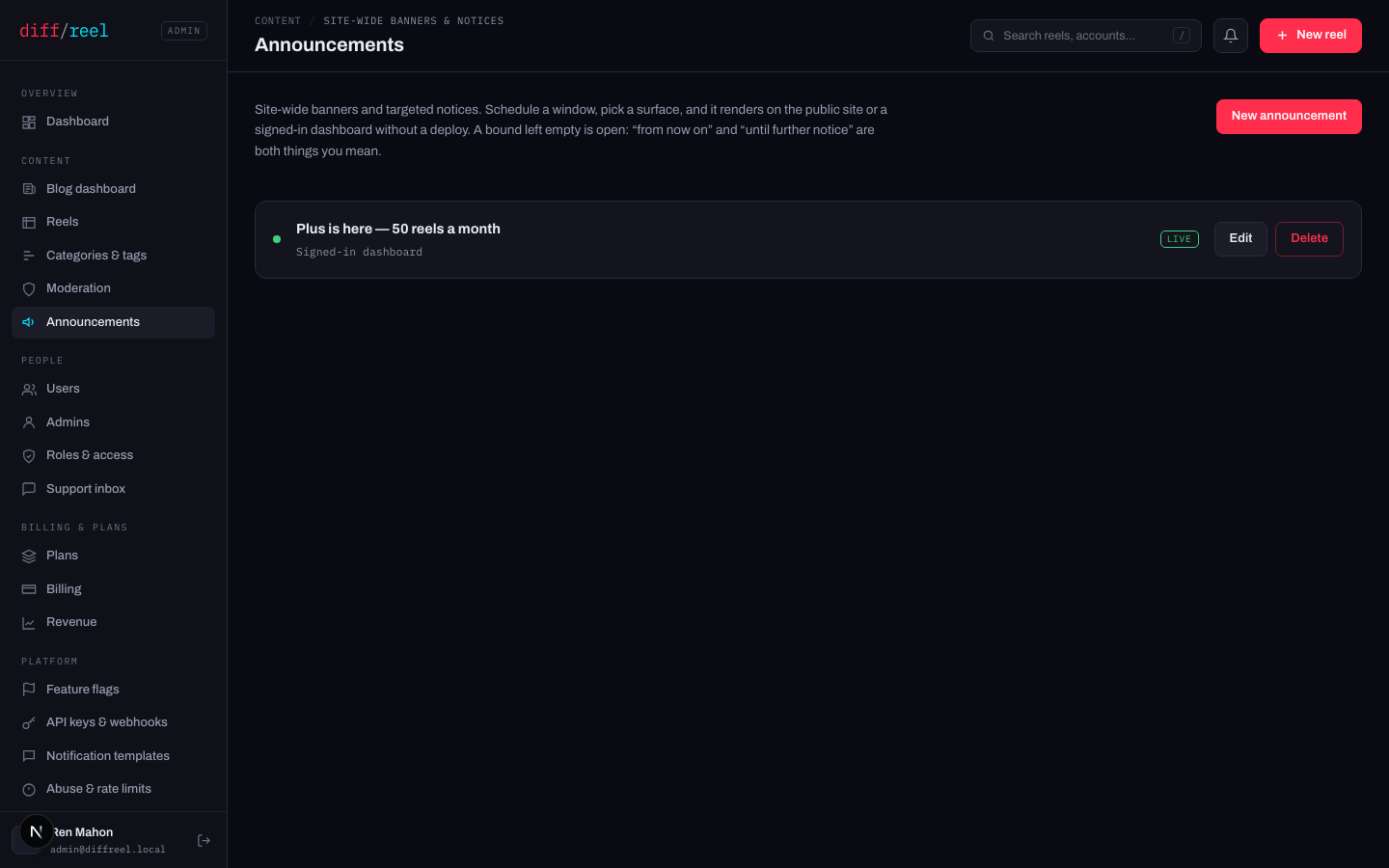
A banner on the public site or on the signed-in screens, scheduled, with no deploy. A bound left empty is open — “from now on” and “until further notice” are both things you can mean.
| Surface | Where it appears |
|---|---|
| Site-wide banner | Every public page, including the reels people arrive on. |
| Signed-in dashboard | Your reels and the account screen — people who already use the tool. |
| Author dashboards | The admins here. |
- What changes
- A strip appears on the chosen surface for everyone, within a page view.
- Who sees it
- Everyone on that surface. A site-wide banner is on the pages that rank, so it is read by strangers too.
- When to do it
- Maintenance with a date on it, a launch, a thing people will otherwise write in about.
- How to undo it
- Delete it, or edit its end date to now. It disappears on the next page view.
People can dismiss a banner and it stays dismissed for them. Do not use one for something that must be read — a banner is a notice, not a gate.