The audit log
Every admin action, append-only, with actor, target and source IP — what it can prove and what it cannot.
What is in it
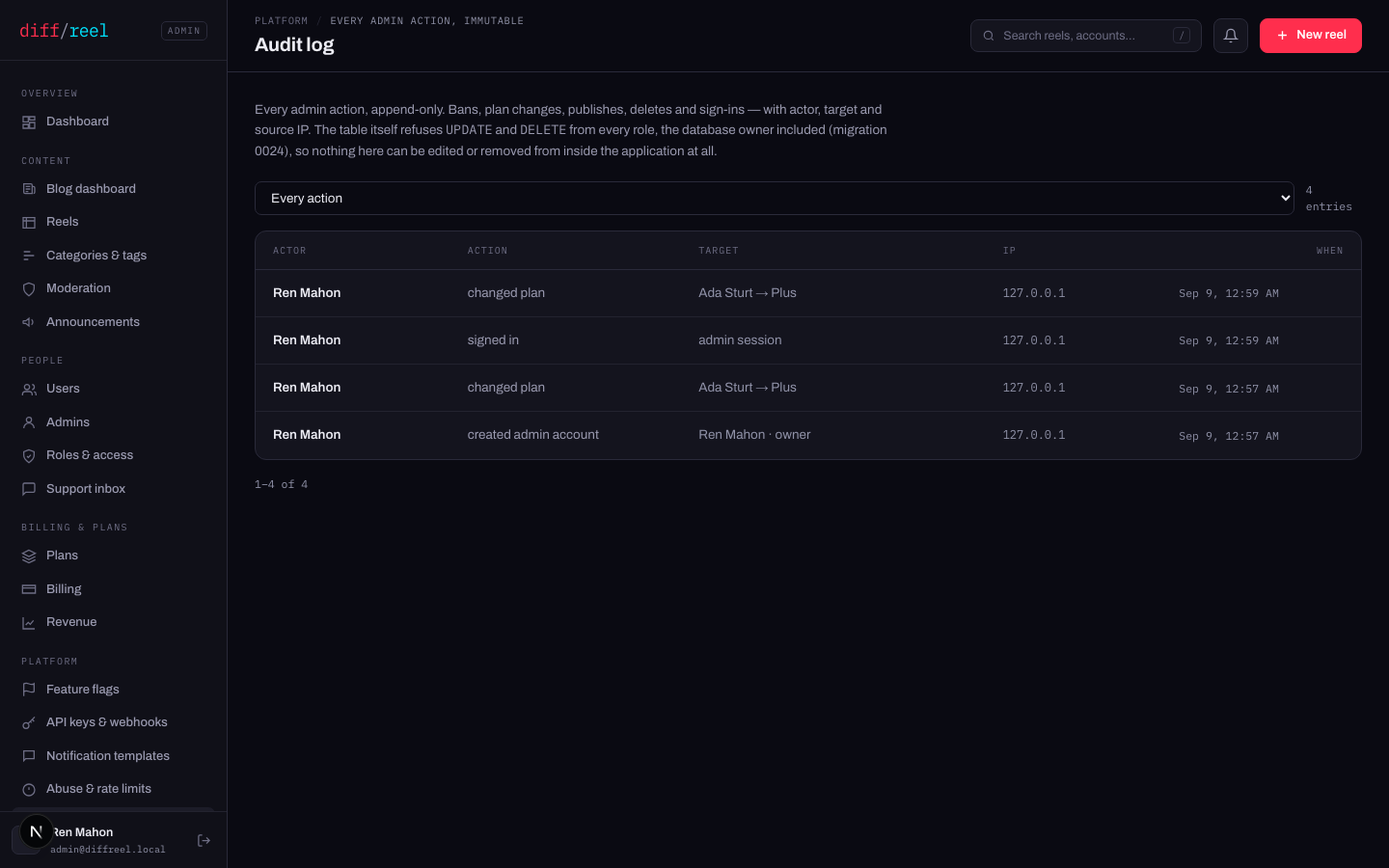
A row for every successful non-GET request, written by the framework rather than by each handler — so a route added next year is audited because it is a route. Sign-in and sign-up are written separately, because during those there is not yet an actor to attribute them to.
The actor's name is stored beside their id, so a row still reads correctly after an account is gone.
It cannot be edited
The table refuses UPDATE and DELETE from every role, the database owner included. The service holds INSERT and SELECT and nothing else. A route that tried to rewrite history would fail at the database rather than succeed quietly.
Reads are not logged — opening a user's profile leaves no row. Neither does anything done outside this panel: a direct database change, a script, or a deploy. The log proves what the panel did, not everything that happened.
Using it
- “Who changed this?” — filter by action and read down the target column.
- A suspected compromise — disable the account first, then read every row for that actor, and check the IP column for a source that is not theirs.
- Before you undo something — find the row. It tells you what the previous state was, which is usually the thing you are about to guess at.