Site accounts
Finding an account, moving it between plans, signing it out, banning it, deleting it — and what each of those costs the person on the other end.
The Users screen
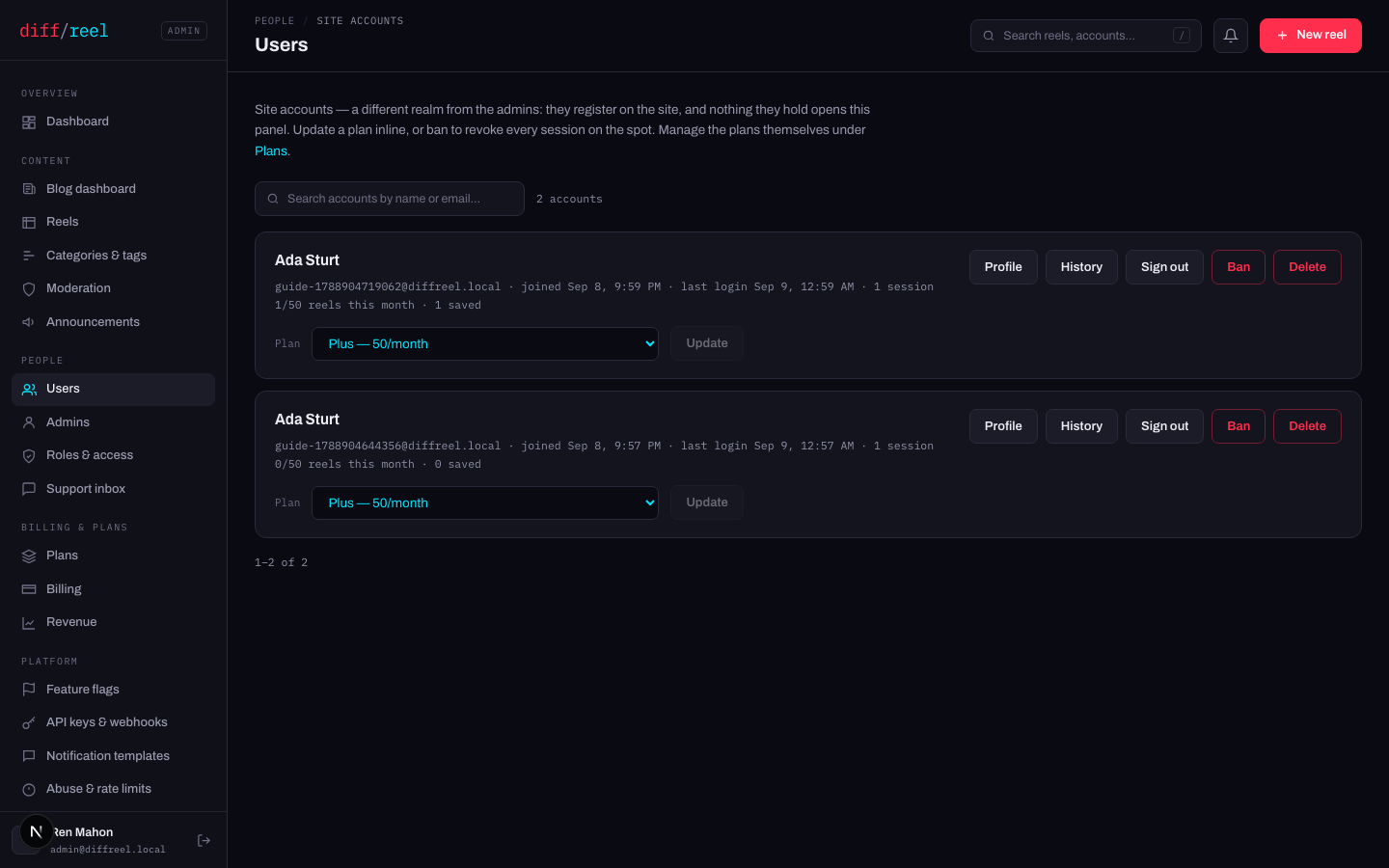
Search by name or address. Each card shows when they joined, when they last signed in, how many sessions they have open, how much of the month they have spent, and how many reels they hold.
Profile opens the account's own page — the same numbers plus its login history and its active sessions. History goes straight to the sign-in record.
Moving an account to another plan
The picker on the card, then Update. A plan that is sold also asks for a term — the same 1, 3 or 6 months a buyer picks — because giving it is the same act as buying it, with the payment waived: it starts now, it ends on the date the card then shows, and it drops back to the default plan on its own. Nobody is charged, no invoice exists, and nothing appears in the revenue.
A plan nothing is for sale on has no term to give it for, so it is assigned open-endedly and stays until you change it.
Their card says paid — end or extend it on Billing instead, and the server refuses a term for them. Two live windows on one account is a state nothing downstream can read: the revenue count has to guess which one meant money, and the nightly job ends one while the plan stands on the other. What you almost always want is on Billing — move their “access ends” date to give them more time on what they bought, or End subscription to stop it.
- What changes
- Which capabilities the playground allows them and how many reels a month they may make. It applies to their very next save, including mid-month, and — for a plan with a term — until the end date on the card.
- Who sees it
- That person — their account page shows the plan, its start and the date it runs to, and they are emailed that it changed.
- When to do it
- A support case, a comp, a partner, or putting someone back where they belong after a mistake.
- How to undo it
- Set the old plan back; that also ends the term you gave. Nothing they drew in between is undone — and correctly so, because a reel keeps what it already had.
Granting the same plan a second time replaces the window rather than adding one: the new term starts now and runs its full length. Both rows stay visible on Billing, so what you gave and when is on the record.
A reel keeps and can still be edited with whatever it already contained; what the smaller plan refuses is adding more of a capability it does not include. Nothing is ever deleted by a plan change. Three things do go at once — the brand kit, the saved library and the reel version history — because those belong to the account rather than to any reel.
Profile shows Account activity beside the login history: the plan they stopped renewing, the password they changed, the session they signed out. They see the same list on their own account page. Nothing in this panel can edit or delete a line of it — the database refuses, the same way it refuses to let anyone rewrite the Audit log.
If the account has a live Paddle subscription, moving it here does not cancel or refund it — only a term this panel gave ends that way. Check Billing first: the fix for somebody who paid is usually on that screen, not this one.
When somebody has run out of reels
The month's count is on reels made, not reels kept — deleting one does not give the month back, and nothing in this panel refunds a month. Two things you can actually do:
- Raise the limit on their plan — Plans. It applies to their next save, but it moves the limit for everybody on that plan.
- Move them to a bigger plan — the picker on their card. Narrower, and reversible.
Nothing was lost when they hit the wall: an unsaved reel stays as a draft in their browser and can be downloaded. Say that first — it is usually the whole answer.
Signing out, banning, deleting
- What changes
- Every session that account holds ends. They can sign straight back in.
- Who sees it
- Them, on their next request — they land on the sign-in page.
- When to do it
- They report a device they no longer control, or you want a stale session gone.
- How to undo it
- Nothing to undo — they sign in again. It does not change their password.
- What changes
- The account is barred and every session it holds is revoked on the spot.
- Who sees it
- Them, immediately. Their reels are not deleted and nothing they made becomes public or disappears.
- When to do it
- Abuse you can point at. It is the strong move — reach for a moderation flag first if the problem is one reel.
- How to undo it
- Unban, from the same row. Their sessions do not come back; they sign in again.
- What changes
- The account, its sessions and every reel drawn under it are removed. Payment history is kept without a name attached, because the ledger has to balance.
- Who sees it
- Them, at the sign-in screen. Nothing on the public site changes — a site user has nothing published.
- When to do it
- They asked for it, or a legal request obliges it. Ban is what you want for abuse.
- Cannot be undone
- Nothing. There is no restore, and their reels go with them.
The support inbox
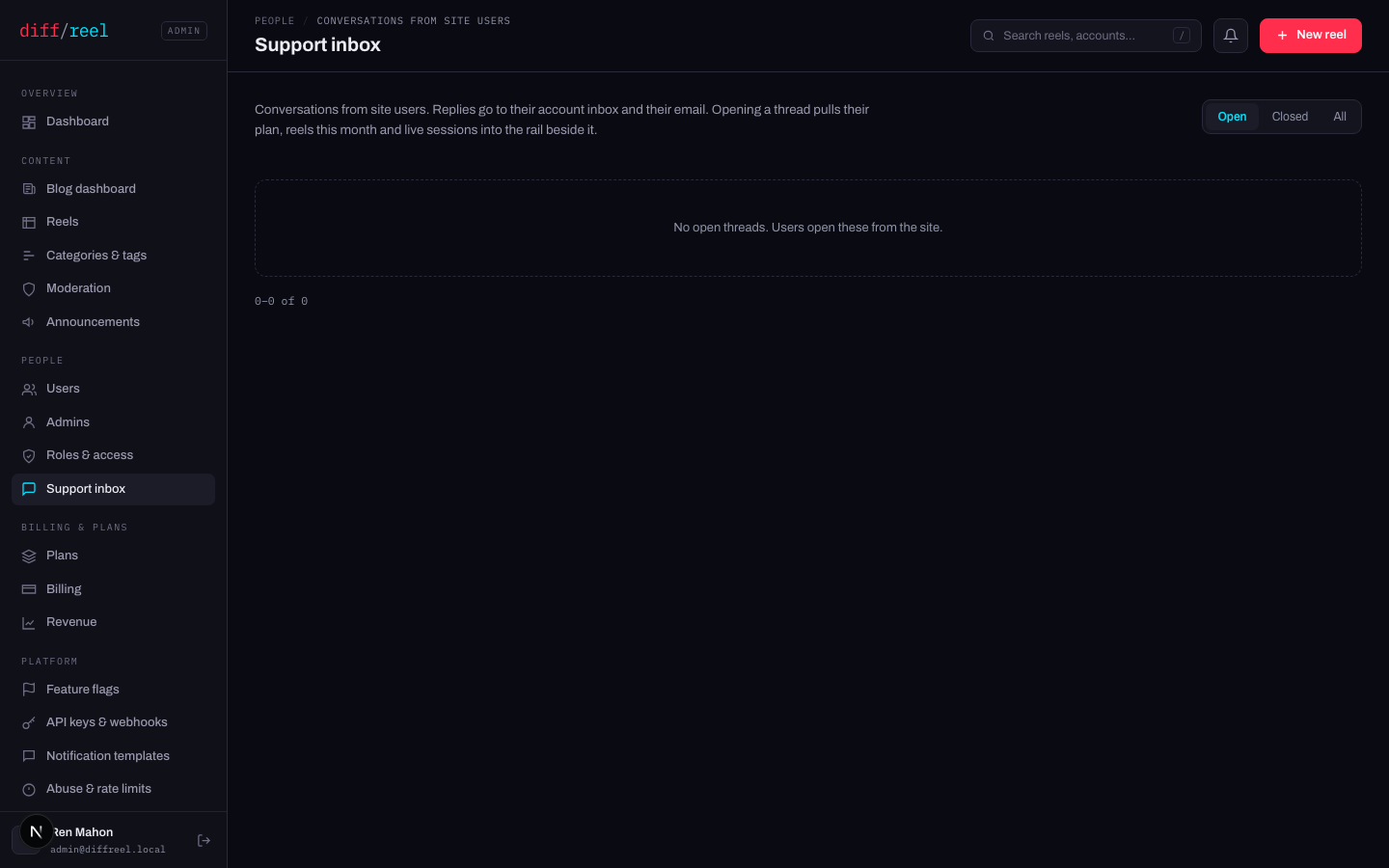
Support inbox holds the threads site users have opened, with your replies. The badge in the sidebar counts what is waiting.
- What changes
- The reply is stored on the thread and emailed to the person who opened it.
- Who sees it
- Them, in their inbox. And every admin, here.
- When to do it
- Every thread. A thread with no reply is a person who thinks nobody read it.
- Cannot be undone
- Nothing — the mail has gone. Send a second message correcting the first.