The catalog
Publishing a reel to the blog: the editor, what the two files are for, what publishing actually does, and how to take it back.
What the catalog is
The reels at /reels/<slug> are the site's blog: finished explainers with an article under each. They are what ranks, and they are the way in for everybody who has never heard of the playground.
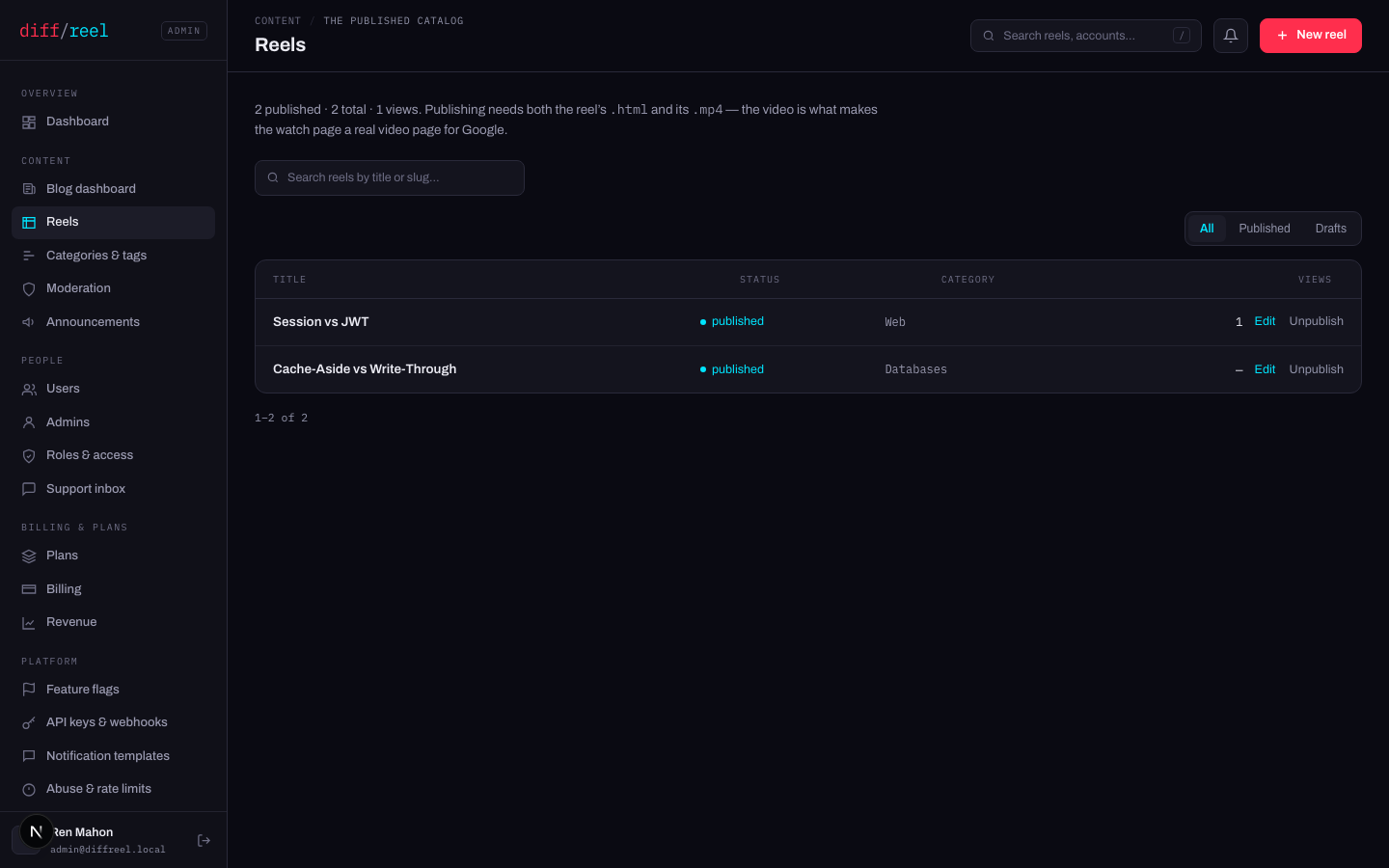
Reels that site users draw in the playground live somewhere else entirely and cannot be published to the blog — that path is deliberately not built. Nothing on this screen touches them.
The reel editor
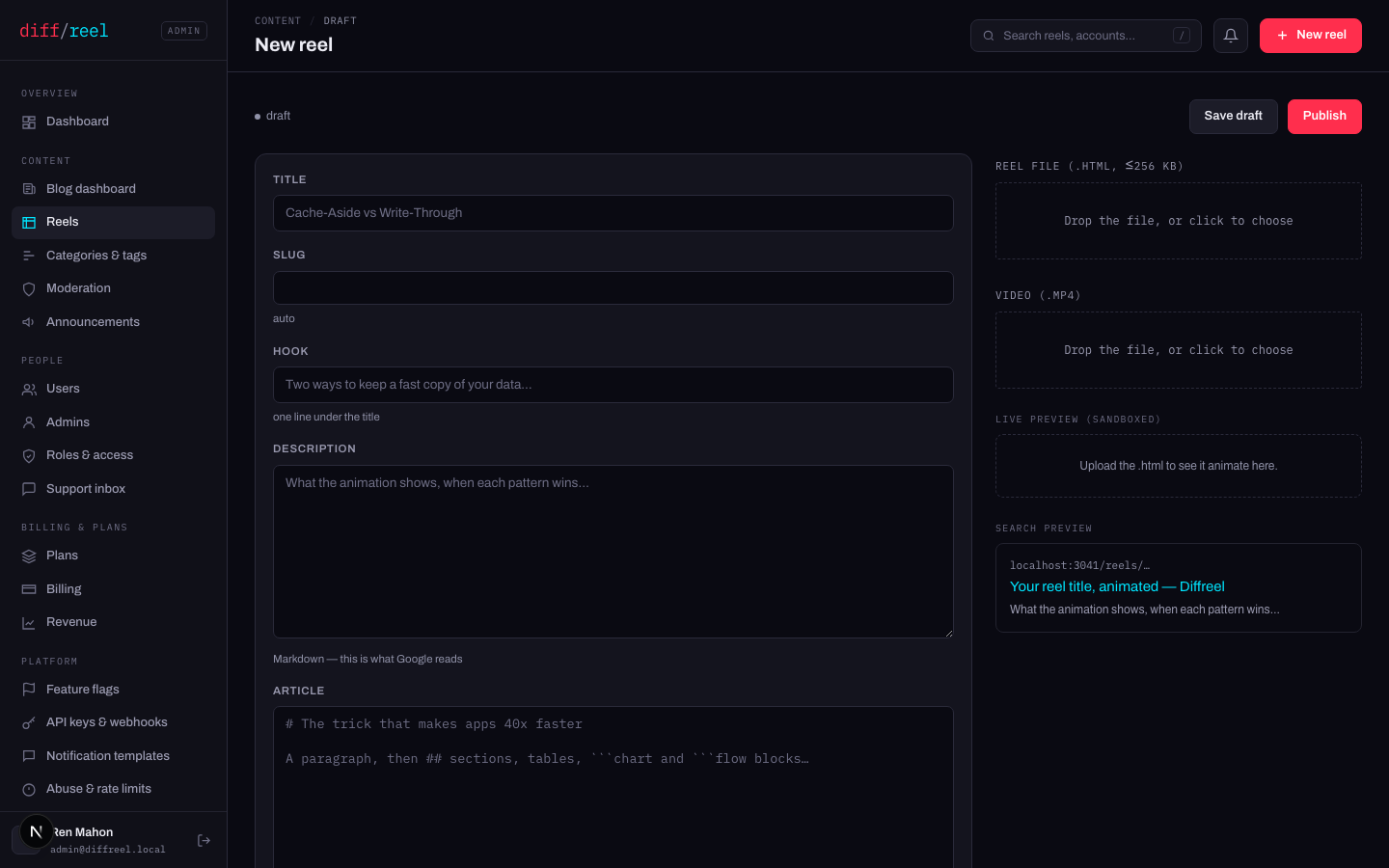
| Field | What it is for |
|---|---|
| Title | The h1, the SERP title and the byline’s subject. |
| Slug | The URL. Left blank it is derived from the title — see the warning below. |
| Hook | One line under the title. The reel’s promise, in the listings. |
| Description | What Google reads as the snippet, and what a shared link unfurls with. Markdown. |
| Article | The long version under the reel. Markdown, with chart and flow blocks — # becomes a section heading, ## a sub-heading. |
| Reel file | The reel itself, up to 256 KB. Linted on upload. |
| Video | The MP4. Required to publish — see below. |
The Live preview plays the uploaded reel in a sandbox, and the Search preview shows the SERP result the title and description will produce. Both are there so nobody publishes to find out.
Publishing
Fill in the fields and upload both files
Publishing needs both the reel and its MP4. The video is what makes the watch page a real video page for search — a reel without one can be saved as a draft but not published, and the editor says so rather than failing at the button.
Save draft, and look at it
A draft is fully editable and reachable from Reels under Drafts. Nothing about it is public.
Publish
The reel goes live, the listings and the feed pick it up, and the sitemap gains a URL.
- What changes
- The reel becomes public at /reels/<slug>. The index, its category, its tags, the author page, the RSS feed and the sitemap all gain it, and the cached pages are rebuilt.
- Who sees it
- Everyone, including search engines and anyone the link is sent to.
- When to do it
- The article reads, both files are uploaded, and the search preview says what you want it to say.
- How to undo it
- Unpublish, from the row on Reels. The page stops serving and the listings drop it — but a link already shared, or a page already crawled, was real while it was up.
Changing the slug of a published reel moves the page. Anything already linking to the old address stops resolving and the ranking that address earned goes with it. Get the slug right before the first publish; after that, treat it as fixed.
Unpublishing and deleting
- What changes
- The reel stops being served and drops out of every listing, the feed and the sitemap. The row, the files and the article are all kept.
- Who sees it
- Everyone — the page is gone from the public site within a rebuild.
- When to do it
- Something in it is wrong and fixing it takes longer than a minute. Also the first move on a serious report.
- How to undo it
- Publish it again. It comes back at the same URL with everything intact.
- What changes
- The row and its files are removed.
- Who sees it
- Everyone, the same as unpublishing.
- When to do it
- It was never meant to exist — a test, a duplicate. Not as a way of retracting something people have seen: unpublish does that and keeps your options open.
- Cannot be undone
- Nothing. Unpublish first and delete later if you are sure.
Categories and tags
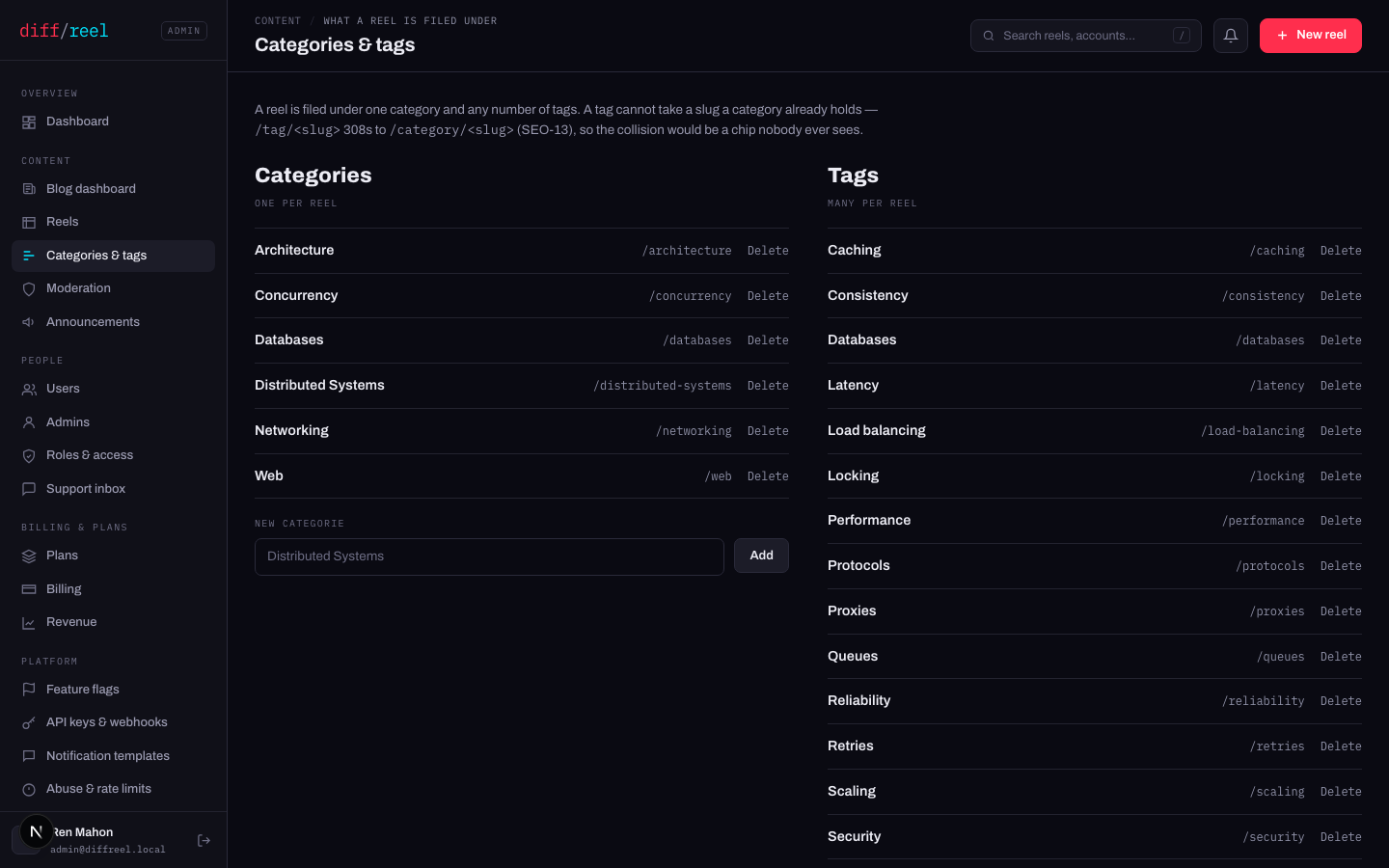
Categories & tags is what a reel is filed under. A category is the subject area and a reel has one; tags are ideas and a reel has several. Both become public listing pages, and both are in the sitemap.
- What changes
- The listing page at that address, and every chip on every reel that used it.
- Who sees it
- Everyone, plus every search engine that had indexed the old listing.
- When to do it
- Rarely. A taxonomy that moves is a set of URLs that break.
- How to undo it
- Rename it back. A removed one has to be recreated and every reel refiled by hand.
A tag that shares a slug with a category redirects to the category. That is deliberate — two pages at one name is a duplicate in search — but it means a tag named after an existing category has no page of its own.
The blog dashboard
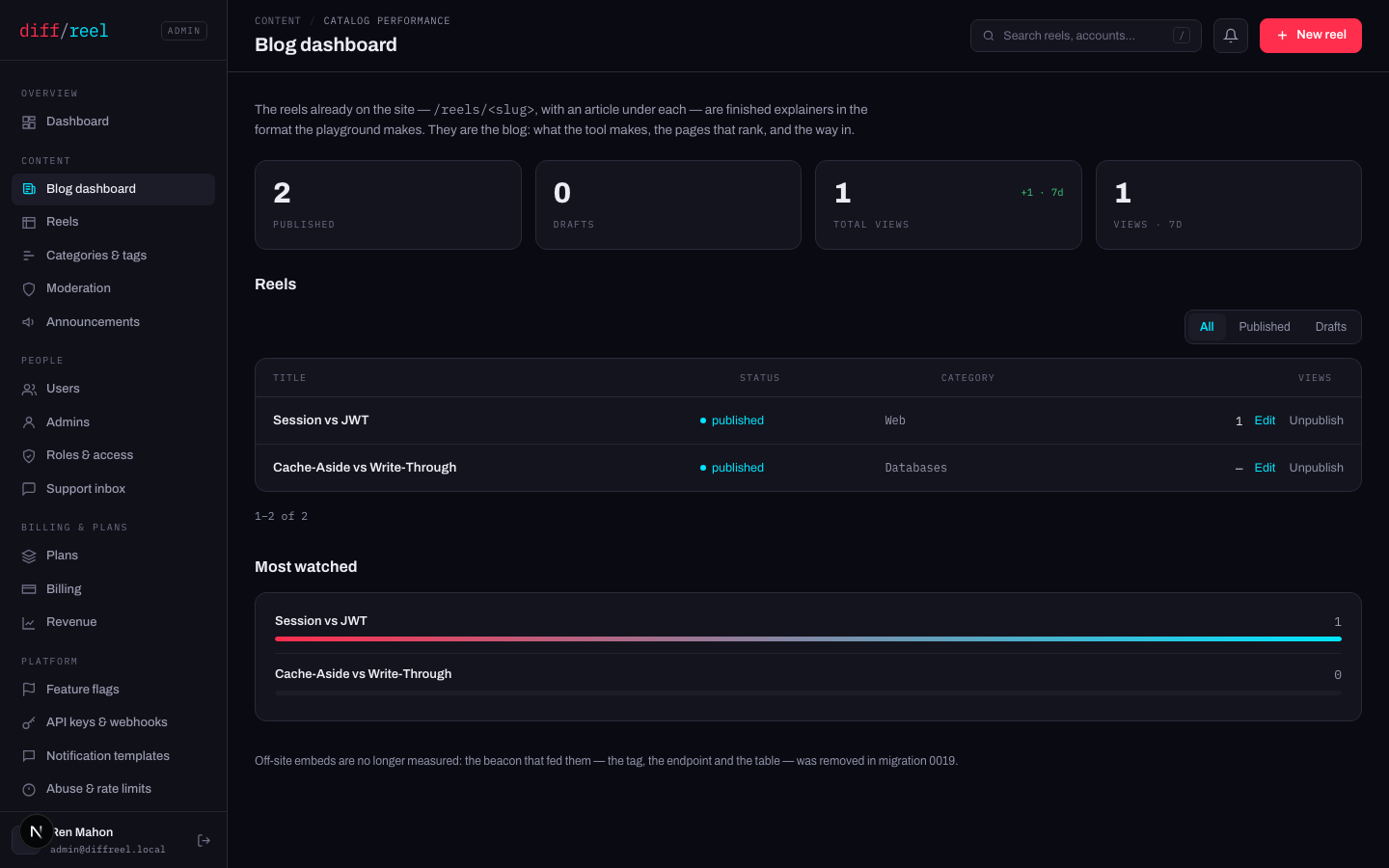
Blog dashboard is the catalog's own numbers — published count, views, what is performing — kept away from the product metrics on the main dashboard.
- It is a read-only screen. Nothing here changes anything.
- It does not show off-site embeds. The telemetry that fed that screen was removed; the dashboard says so rather than showing an empty chart.